Websites for / Venues
Websites for wedding and event venues
Couples tour venues online long before they visit. They want to see the space set up for a real event and find out quickly whether it fits their guest count, their date and their budget.
Five quick questions, then a preview of your main pages in a few minutes. Launching starts your free month, and a card is required to start it.
 (opens the live example in a new tab)
A venue site made with Developo
Oak Hollow BarnRhinebeck, NY
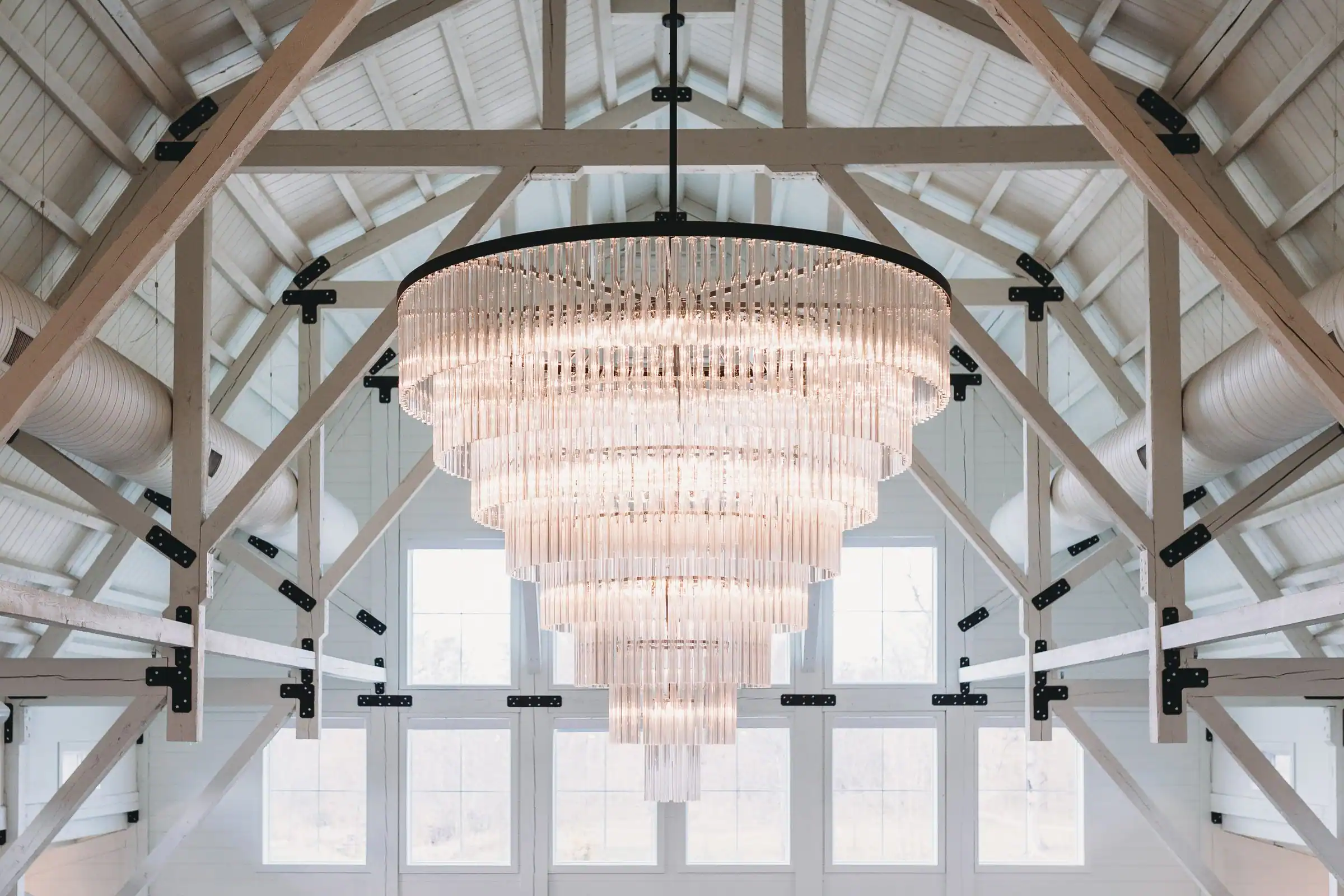
A barn wedding venue in the Hudson Valley for up to 150 guests
The example states its guest capacity in the tagline. It is the first filter every couple applies.
Open the live example (opens in a new tab)
Oak Hollow Barn is a made-up business. Names, people and phone numbers on the example are invented, and the photos are licensed stock. The site was made from a short brief, the way yours would be.
What a website for wedding and event venues needs
The space, from every angle
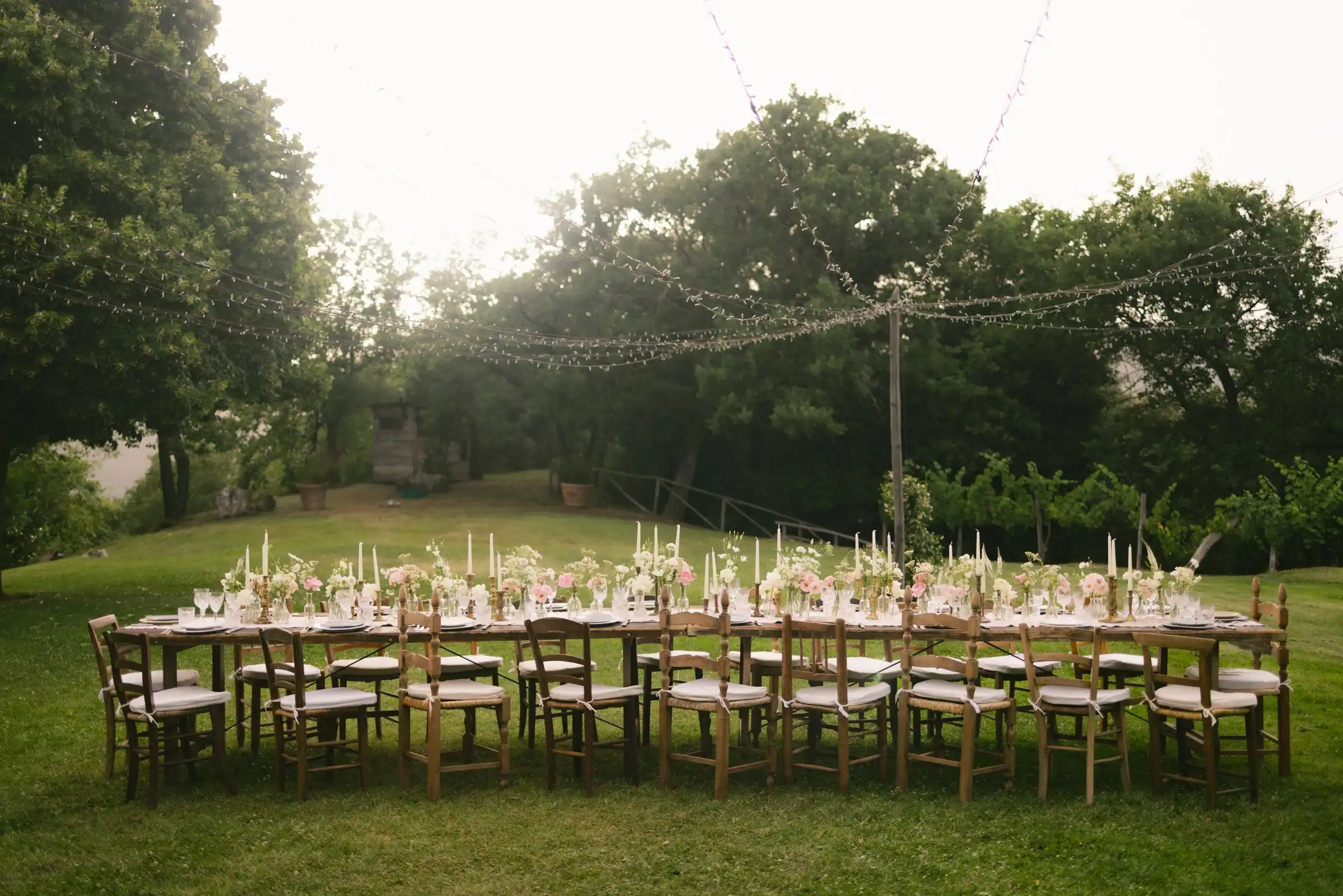
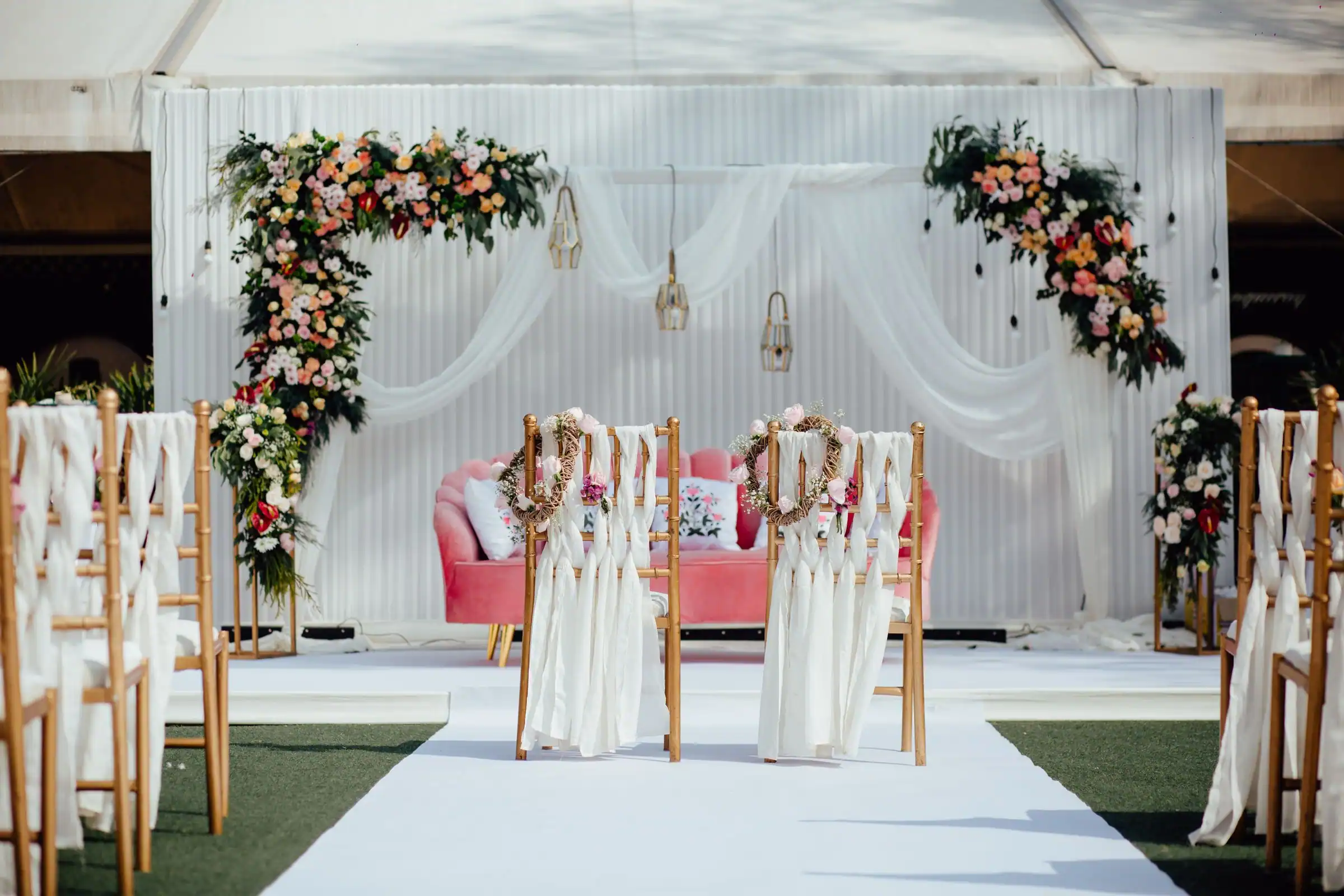
Ceremony, dinner, dance floor, rain plan. Photos of the room set up, not empty.
Capacity and what is included
Seated and standing numbers, tables and chairs, setup time, curfew.
Pricing or a starting point
Even "from" pricing by season helps couples decide whether to inquire.
An inquiry form that asks the right questions
Date, guest count, type of event, how they heard about you.
Practical details
Parking, accommodation nearby, accessibility, vendor rules.
More than a website: it runs your business
- Leads inbox. Every call-back and quote request from your site in one place.
- Booking requests. Customers pick a service and time; you accept from your phone.
- Analytics. See which pages bring you customers.
- Domain included. Your own web address on every plan, renewals too (up to $30/yr).
- Free tap-to-edit. Change text and photos yourself, any time.
The inquiry form is the whole business. Everything on the site leads to it, and the form asks the three things you need to reply: the date, the guest count and the kind of event.
A first set of pages
A sensible starting point. Tell us the pages you want in the brief, or let Developo pick from your answers. Add more later.
- HomeThe space, capacity, inquiry
- WeddingsWhat a wedding day looks like here
- GalleryThe space set up
- PricingSeasons and packages
- ContactInquiry form, tours
Questions from wedding and event venues
- Can I show available dates?
- The site can say which seasons are filling up, and you can update it in the editor. A live calendar needs a booking tool, which you can link to.
- Can I add corporate events as well as weddings?
- Yes. Mention both in the brief and each gets its own section.
- Can I upload my own photos?
- Yes. Photos of real events at your venue are the strongest thing on the site.
- Can I see my site before I pay?
- Yes. Answer five questions and Developo builds a preview of your main pages. Pick a plan only if you want to launch it, edit it and keep it. Every plan starts with a free month, and a card is required to start it.
The money part
- The preview is free See your main pages before you pick a plan. To launch, you add a card and start your free month, and if you cancel before it ends your plan is never charged.
- Your first month is free On every plan, monthly or annual, once per customer. Your plan is not charged for 30 days, and we email you 3 days before the free month ends with the date and the amount.
- Expert fees come back if we haven’t started The $199 Expert Launch Review and the $1,499 Done-for-You fee are paid upfront. Cancel before the work shows “In progress” in your account and the fee is refunded in full, automatically, to your card.
- Cancel anytime Account, then Billing, then Cancel plan. There is no contract. Cancel during the free month and your plan is never charged.
Same rules as checkout and our Terms. Your domain is included with your plan.
Now see it with your name on it.
Five quick questions, then a preview of your main pages in a few minutes. Launching starts your free month, and a card is required to start it.
See your venue website free