Websites for / Restaurants
Website builder for restaurants
AI builds your restaurant website in minutes. A designer can review it before you launch.
Restaurant websites have a reputation for PDF menus, autoplay music, and hours that are three years old. Beating that is easy: a readable menu, current hours, and one clear button to book or order.
Five quick questions, then a preview of your main pages in a few minutes. Launching starts your free month, and a card is required to start it.

What a website for restaurants needs
A menu people can read on a phone
Dishes, prices, and short descriptions on a real page — not only a PDF. Call out vegetarian, vegan, or allergen notes if you offer them.
Current hours and the address
Including holiday exceptions. This is the most common reason a restaurant site frustrates people.
One primary action
Reserve, order, or call. If you offer more than one, make the most important action visually first. Buttons should go where the work already happens: your booking tool, your ordering tool, or your phone.
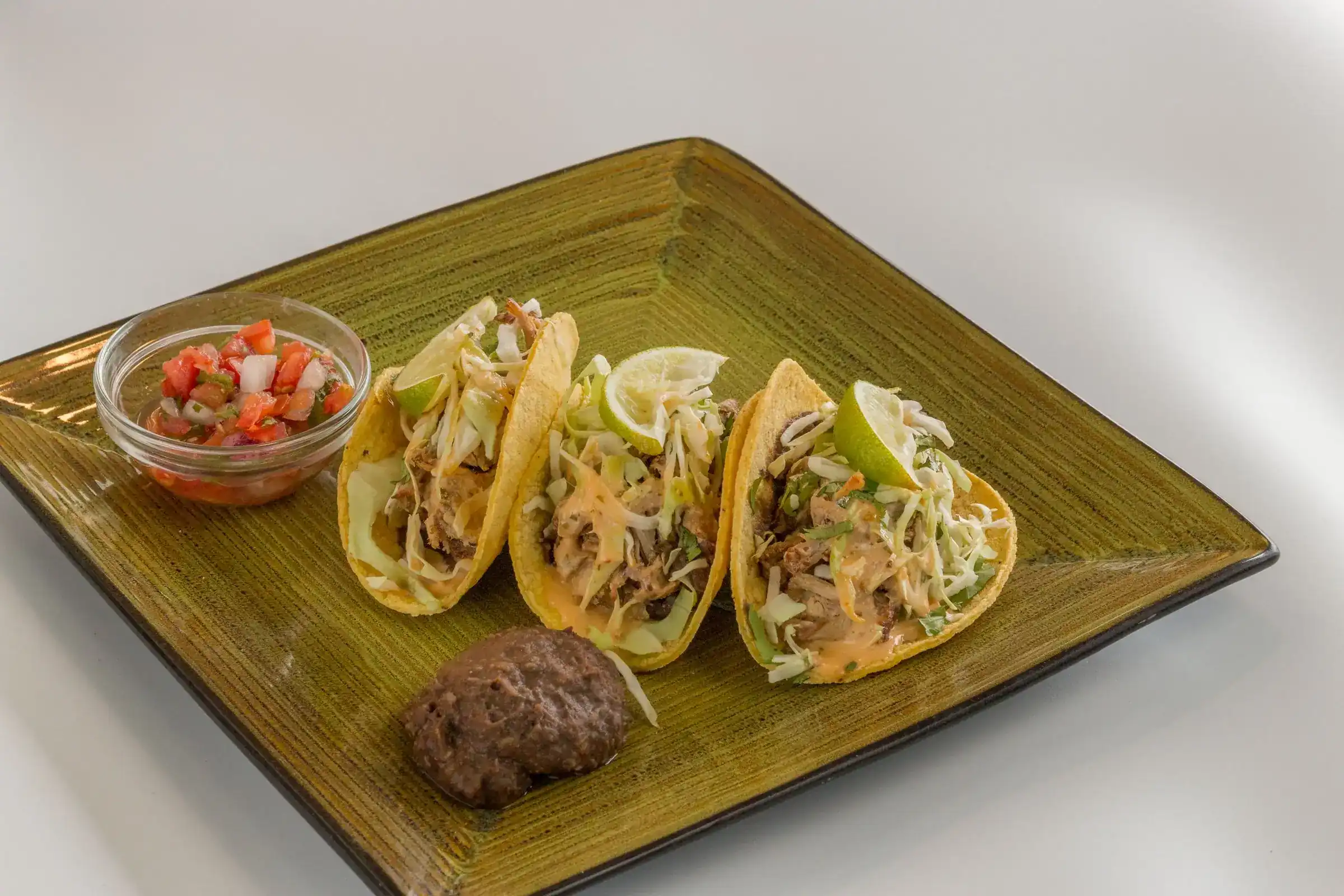
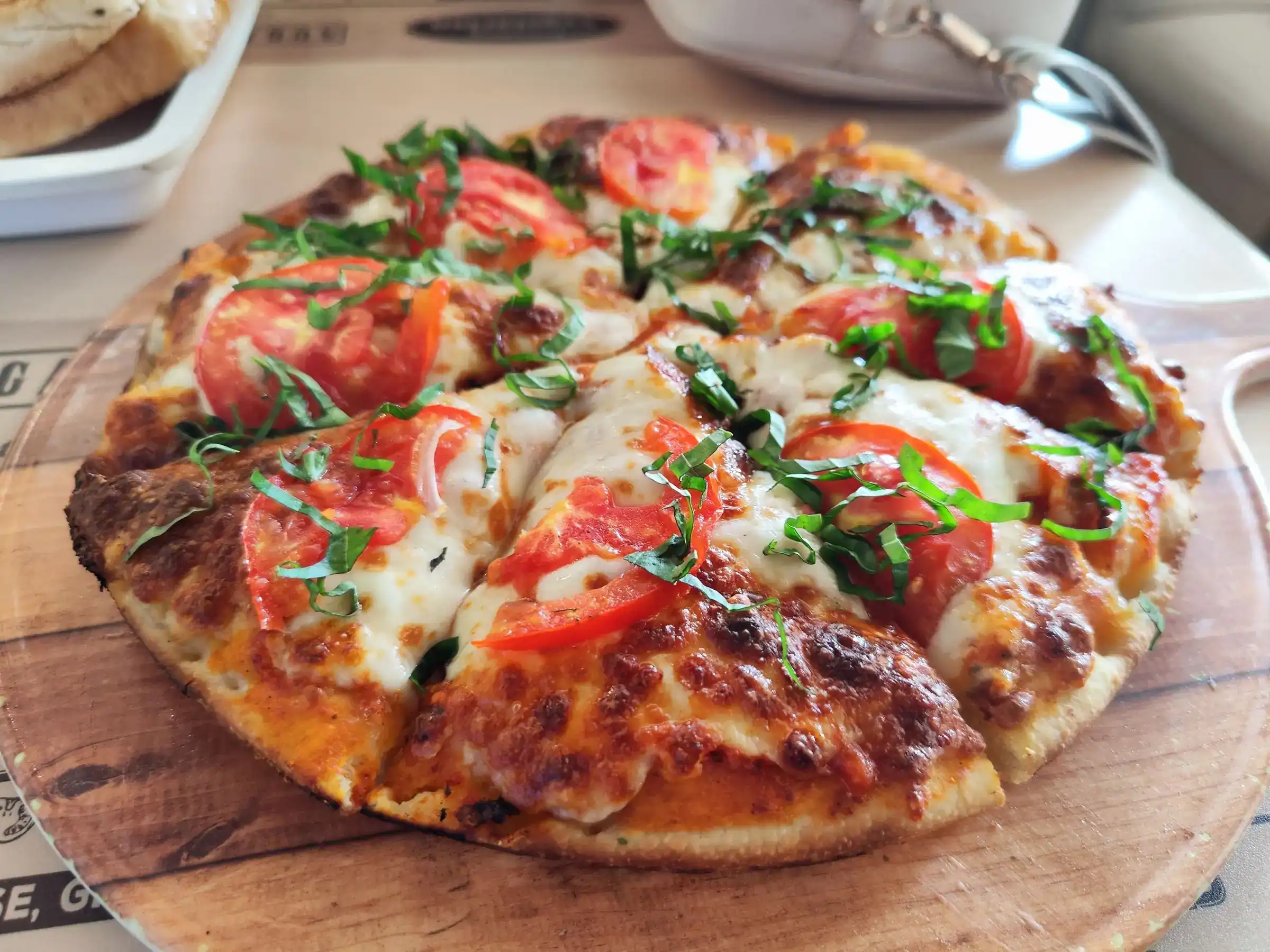
Photos of the room and the food
The actual dining room, the plates you serve, the patio if you have one.
Location details that prevent a wasted trip
Parking, transit, and whether you are easy to miss from the street.
Events or private dining, if you offer them
A short page and a request form is enough; it does not need a brochure’s worth of copy.
How Developo builds a restaurant site
Tell us the kind of restaurant, the neighborhood, and what you want the site to do — show the menu, send people to a reservation tool, link to ordering, or all three. AI designs the main pages from that brief and emails a free preview.
Every plan includes hosting and a basic SEO setup, including LocalBusiness schema with your contact details, plus a built-in editor so you can change a dish or a closing time yourself without using credits. Asking AI to rewrite a section uses monthly credits.
The included plans do not process orders or run a reservation book. They make those actions obvious and link to the tools you already use. If you later want an online store, bookings, or a custom integration built into the site, that is a quoted expert service from $799, on the pricing page.
On AI + Expert Review or Done-for-You, a designer and marketing pro can help the menu stay readable and keep the reserve or order button from competing with everything else on the page.
More than a website: it runs your business
- Leads inbox. Every call-back and quote request from your site in one place.
- Booking requests. Customers pick a service and time; you accept from your phone.
- Analytics. See which pages bring you customers.
- Domain included. Your own web address on every plan, renewals too (up to $30/yr).
- Free tap-to-edit. Change text and photos yourself, any time.
Guests usually arrive with a single question. What’s on the menu tonight, can they get a table, and can they order for pickup? If those three things are hard to find, they close the tab and open someone else’s.
A restaurant site made with Developo
La Chispa TaqueriaSan Francisco, CA
Tacos, burritos and salsa bar on Mission Street, open late
The example keeps the menu easy to scan and makes the next step — visit, order, or get in touch — obvious, which is what a hungry visitor actually needs.
Open the live example (opens in a new tab)
La Chispa Taqueria is a made-up business. Names, people and phone numbers on the example are invented, and the photos are licensed stock. The site was made from a short brief, the way yours would be.
 (opens the live example in a new tab)
A first set of pages
| Page | What it is for |
- HomeWhat you serve, hours, the main button to reserve, order, or call
- MenuDishes and prices, readable on a phone
- VisitAddress, hours, parking or transit notes
- Private eventsIf you offer them, plus a request
- AboutThe room, the people, the story — short
- ContactPhone, email, or a simple form
Questions from restaurants
- Can people book a table on the site?
- If you use a booking service, the reserve button links straight to it. If you take bookings by phone, the button can call you. Included plans do not run a reservation system themselves. A custom bookings integration is a quoted service from $799.
- Can I take online orders?
- The order button can link to the ordering service you already use. The site itself does not run a delivery or payment system on the included plans.
- My menu changes with the seasons. Can I keep up?
- Yes. Change dishes and prices yourself in the free built-in editor, or ask AI to rewrite the whole menu section with a credit. You do not need a designer for a weekly special.
- Should I upload a PDF menu or put the dishes on a page?
- Put the menu on a page people can read on a phone. A PDF is easy for you and hard for guests: it pinches, it goes stale, and search engines cannot read it well. You can still offer a printable version if you want one.
- Can the site show hours, allergy notes, and whether we take walk-ins?
- Yes. Put current hours, the neighborhood or address, parking if it matters, and any notes about allergies, kids, or walk-ins in the brief. Update hours yourself in the editor on holidays so the site never disagrees with the door.
- Can I use photos of our actual plates and room?
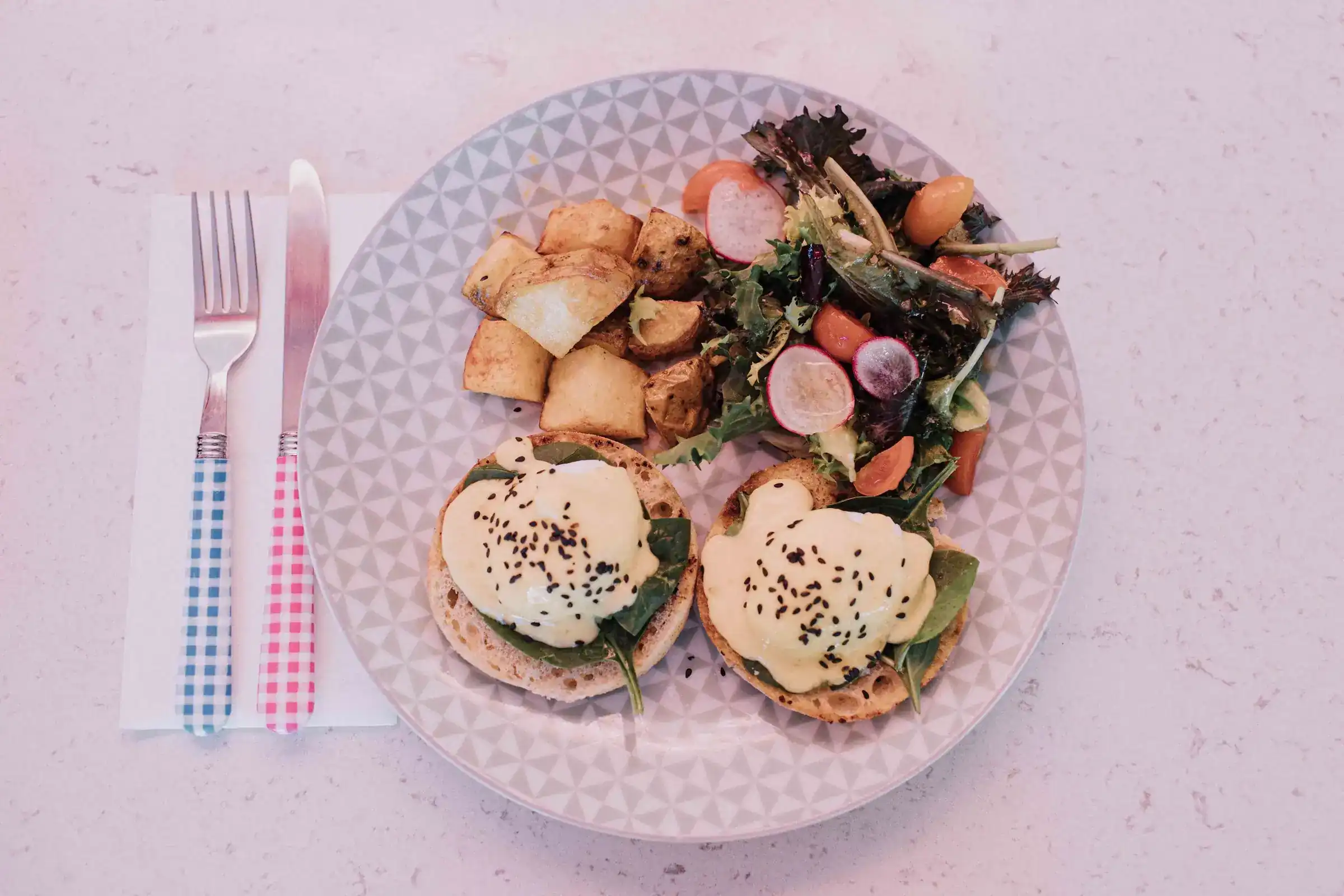
- Yes, and you should. Swap library photos for your own in the free editor. Developo does not generate images with AI. Guests decide with their eyes; photos of your room and food do more than a mood board of stock dishes.
- Can I see my site before I pay?
- Yes. Answer five questions and Developo builds a preview of your main pages. Pick a plan only if you want to launch it, edit it and keep it. Every plan starts with a free month, and a card is required to start it.
Plans and pricing
Plans start at $29/month (USD) for AI Starter, $49/month plus a $199 Expert Launch Review for AI + Expert Review, or $1,499 plus $99/month for Done-for-You. Annual billing is lower. Every plan includes hosting, a basic SEO setup (titles, meta descriptions, sitemap, and LocalBusiness schema), and a free first month. Cancel anytime. See plans and prices for credits, add-ons, and terms.
Keeping it up to date
After launch you can edit with AI credits or with the free built-in editor. Click any text or photo to change it yourself, which never uses credits, or describe a bigger change and AI makes it with your monthly credits.
Prefer a person? On AI + Expert Review and Done-for-You, our team can make changes for you.
The money part
- The preview is free See your main pages before you pick a plan. To launch, you add a card and start your free month, and if you cancel before it ends your plan is never charged.
- Your first month is free On every plan, monthly or annual, once per customer. Your plan is not charged for 30 days, and we email you 3 days before the free month ends with the date and the amount.
- Expert fees come back if we haven’t started The $199 Expert Launch Review and the $1,499 Done-for-You fee are paid upfront. Cancel before the work shows “In progress” in your account and the fee is refunded in full, automatically, to your card.
- Cancel anytime Account, then Billing, then Cancel plan. There is no contract. Cancel during the free month and your plan is never charged.
Same rules as checkout and our Terms. Your domain is included with your plan.
Now see it with your name on it.
Five quick questions, then a preview of your main pages in a few minutes. Launching starts your free month, and a card is required to start it.
See your restaurant website free